Match a note with your voice in pitch challenges, or identify a note by listening in ear training quizzes. Practice and official challenges are available in the latest theHarmony app on iPhone, iPad and Android.
Update the app, then open Challenges. You can start practice without signing in.
Listen to one reference note and sing it back.
Play a note at a comfortable pitch on the keyboard. Sing it briefly, then play the reference again and compare. Start with a pitch that feels easy rather than forcing a high note.
Alternate between that note and a neighboring note. Hear which one is higher, then sing each briefly. These instructions are a listening exercise; they do not provide an automatic singing score.
Compare C major and C minor.
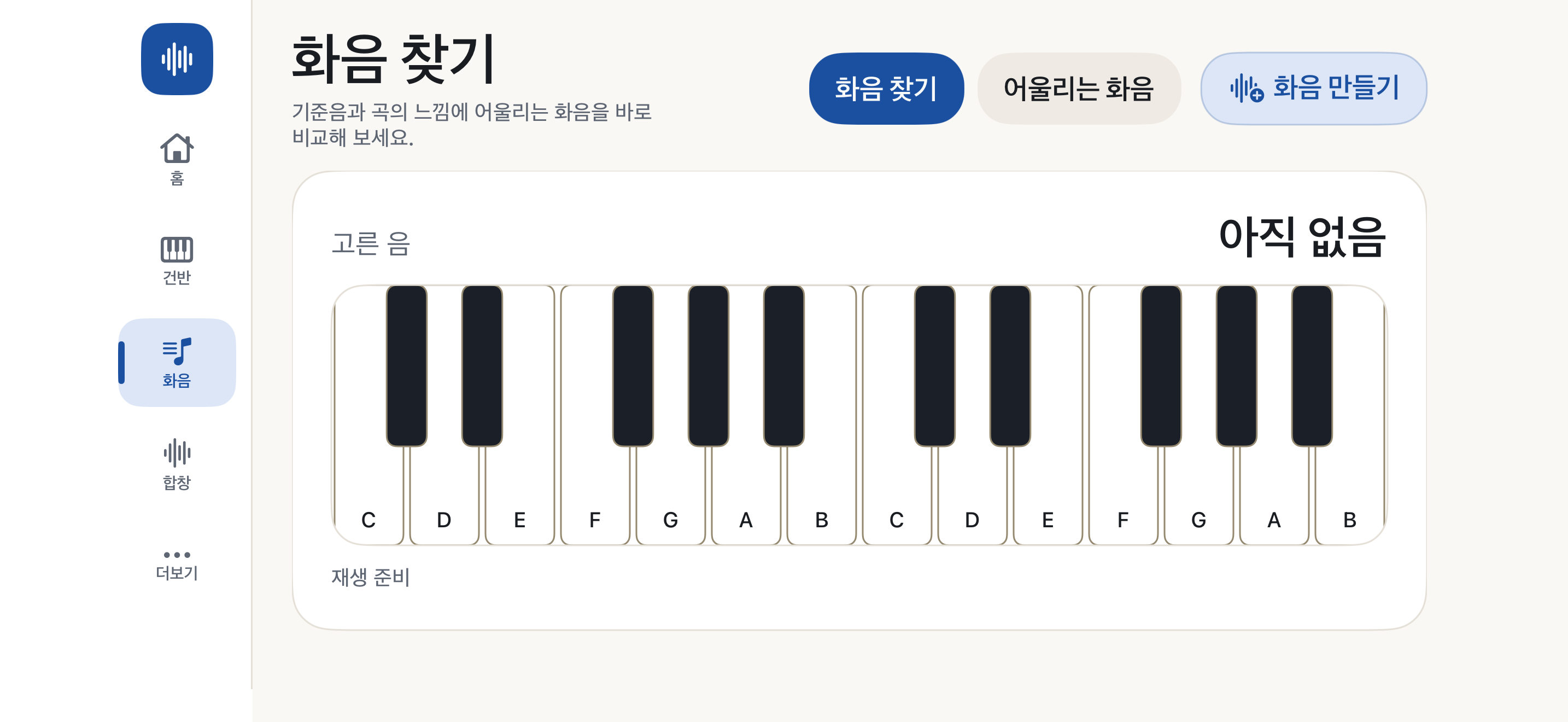
Choose C in the chord finder and alternate between Cmaj, labeled C on Android, and Cm. C major contains C, E and G; C minor contains C, E flat and G. Listen to the middle note changing while C and G stay the same.
First listen with the highlighted keys visible. Next, try without looking. Once the difference is familiar, choose another starting note and compare its chords. Focus on hearing the difference rather than answering quickly.
Take a first step in harmony and music theory.
A chord is several notes sounding together. Changing those notes changes the sound of the whole chord. Comparing major and minor chords is a small practical starting point for harmony and music theory.
Rather than memorizing every rule at once, use the C, F, G and Am piano chord chart. Listen for shared notes and notes that change, connecting what you hear with the highlighted keyboard.
Start pitch and ear training challenges in the app.
For pitch matching, use the microphone to sing the note you hear. In practice, a graph shows the difference between your voice and the target note.
For ear training, listen without a reference note and choose the note you heard. This quiz does not use the microphone.
Practice without signing in. Sign in with Apple or Google to keep official challenge records. Leaderboards show your app-generated nickname and score only if you opt in, and you can turn sharing off.
The iPhone chord finder lets you choose a chord for listening practice.
How are pitch matching and ear training different?
Pitch matching means singing a note at the pitch you hear. The ear training quiz asks you to name a note without a reference note. Both are available in the latest app on iPhone, iPad and Android.
How do official records and leaderboards work?
Practice without signing in. Sign in with Apple or Google to keep official challenge records. Leaderboards show your app-generated nickname and score only if you opt in, and you can turn sharing off.
Do I need the microphone?
Pitch matching needs the microphone. Note identification, keyboard listening and chord comparison do not.
The app supports Korean and English. Screenshots here show the Korean interface.
Try it in theHarmony.
Free to download; includes ads. Check the device-specific feature details above before downloading.